
Recordable Buttons
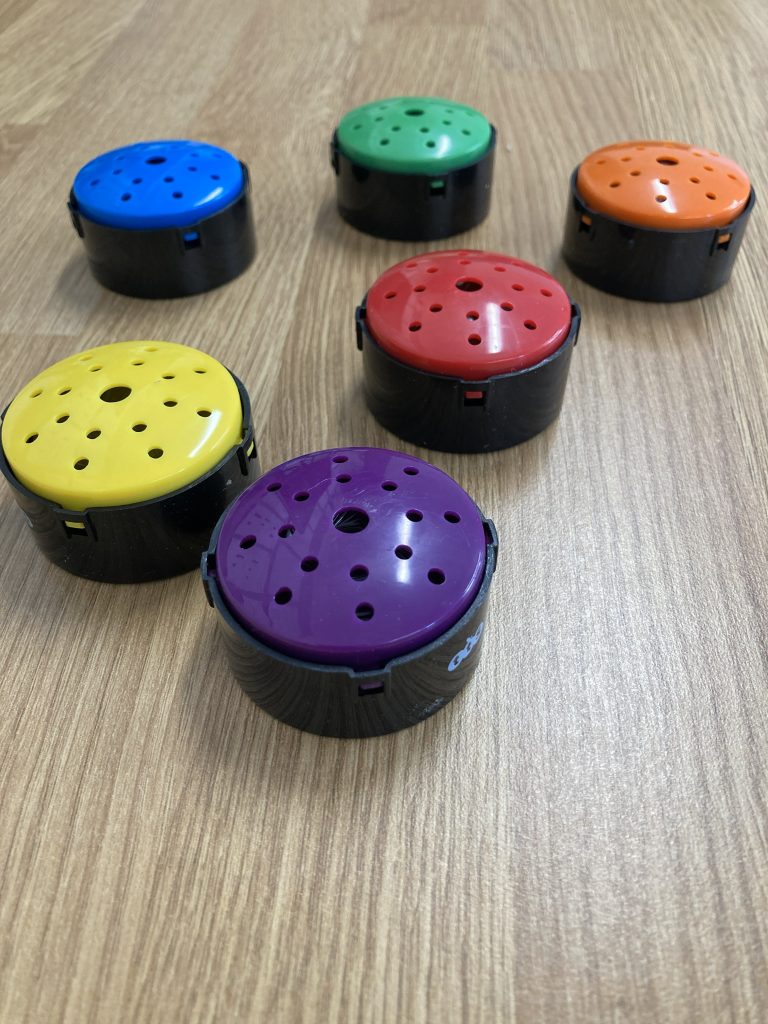
by TTS
Age range
Early Years Foundation Stage +
What’s included in the set?
6 recordable buttons
How are they powered?
Battery operated (LR44) within a secure compartment – batteries included.
Quick start guide:
- Slide the button on the back to the bottom.
- Press and hold the top of the button whilst you record (max 10 seconds).
- Slide the button on the back to the top to play back the recording.
- Slide the button back to the middle to turn off.
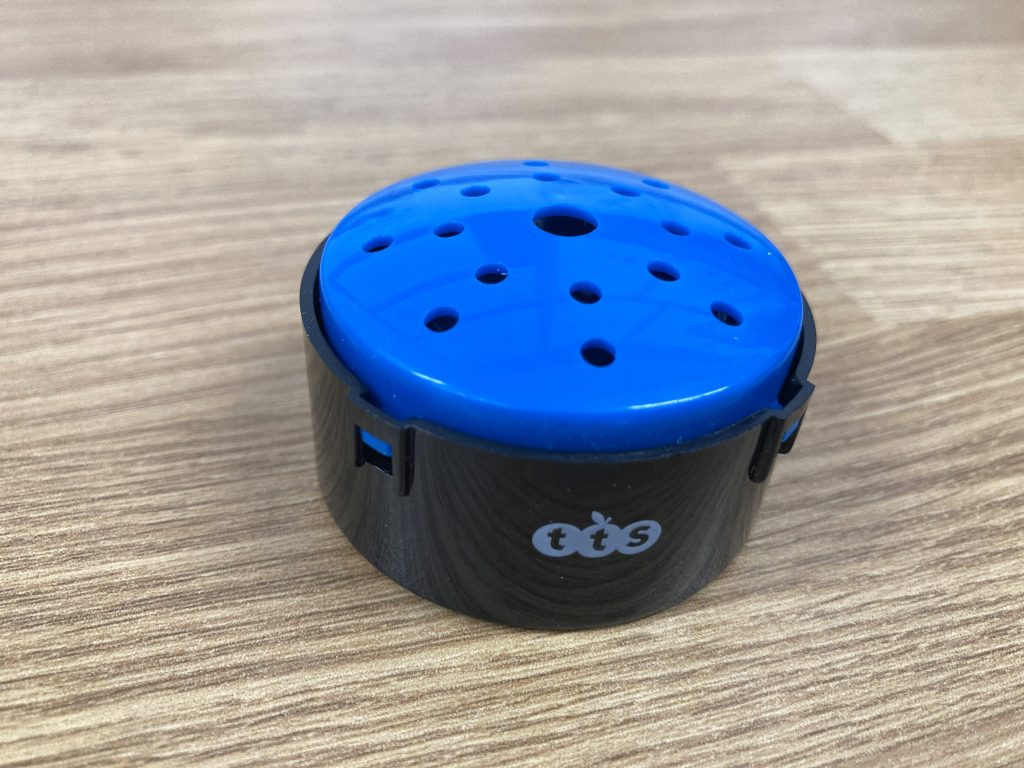
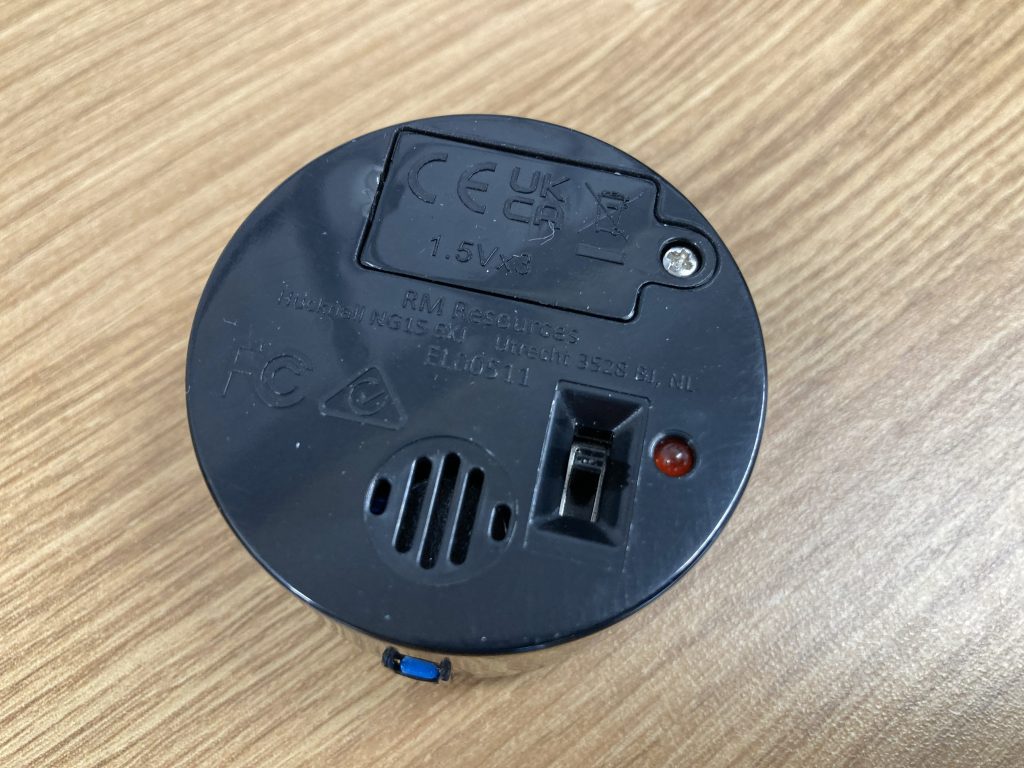
- The device will record over the top of any previous recordings and you are not able to export the recordings off the device so they are to be used in the moment for immediate feedback.
Accessibility
Very easy to use with just press and hold mechanism for young children, and the slide button function for older children and young people.
Storage requirements and dimensions
- Store in a dry environment away from liquids or heat sources
- L4.5cm x W4.5cm x H2.5cm
Why should you use it?
These are a great way of encouraging vocal exploration and listening to those who don’t normally share their voice with the whole group. They can record and listen in private in their own space and time.
Further support
More information can be found on the TTS website: TTS Talking-Point Recordable Buttons
DMS hire price
Special launch offer! – Any mix of five items from the Accessible Instrument and Technology Library free for the first term of hire (subject to availability). Outside of this special offer: £5.00 per instrument per term.